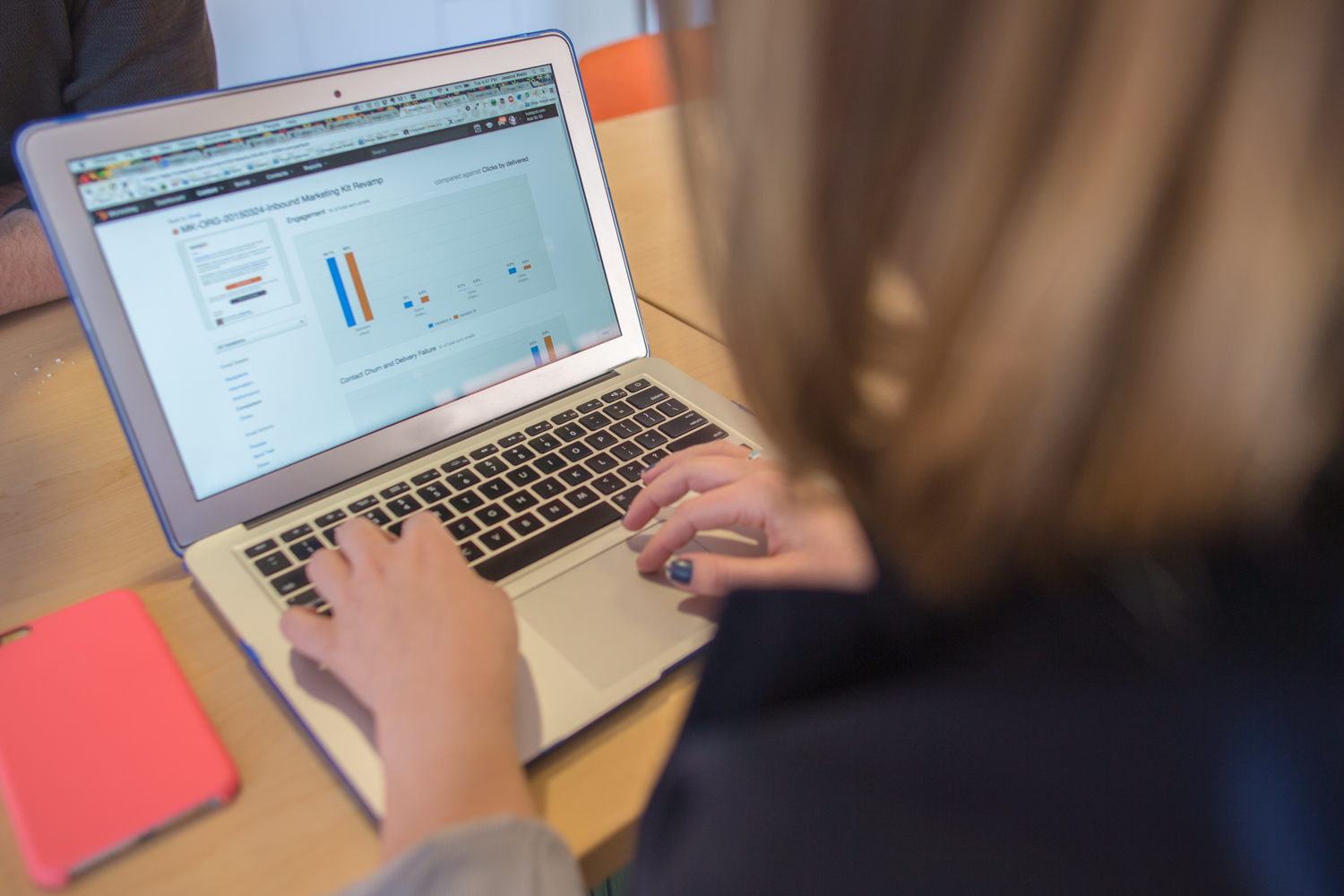
 There are some simple tips to help prevent eye strain while you’re at your computer.
- Change the brightness of your monitor screen to match the light level of your room. EX: If you’re working with the lights off in the office, dim the screen. Or the reverse, brighten the screen when the sun is shining in the windows and adding to the florescent lighting.
- Adjust the monitor and/or your chair until your eye level aligns with the top of the monitor. We naturally look downward by about 10-15 degrees. Next best option: Align so you are looking at the center of your monitor. Do NOT look up at your monitor! That’s bad for your eyes and your neck.
- Increase the font size of your Windows displays and of your software programs. Use at least a 12 point font. You can even use a larger font later in the day to help with eye strain.
- Be wary of the colorful background designs offered by Windows, Firefox and other software manufacturers. Yes, they are entertaining but they are harder on your eyes than a simple design where the contrast between the background color and the font is greater.
- Take frequent breaks. No, not to play solitaire! Blink your eyes. Look out the window, across the room, somewhere in the distance. Do a couple of easy stretches sitting in your chair or standing at your desk. Close your eyes and take some deep breathes.
 “Gmail is one of the most popular inbox service providers (ISP) with over
  We’ve got a few marketing secrets here at Litmus… and maybe your email team does, too.
 Start with a Checklist then expand into the details of how to write strong blog content that will draw search engines to your website.
 “I’ve been breathing life into email campaigns since 2007 when the iPhone was the newest thing on the block. Even though the learning resources for email marketers have evolved since then, I still have countless re-engagement email examples in my inbox which don’t prompt me to, well, re-engage.”